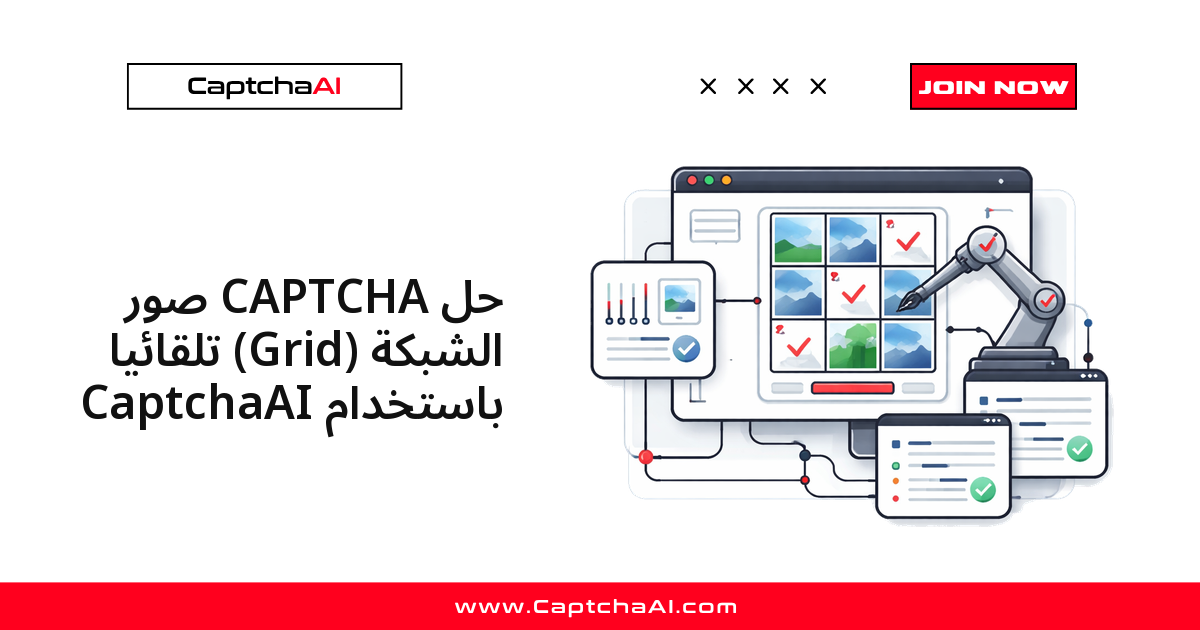
لأتمتة حل CAPTCHA صور الشبكة برمجيًا، تحتاج إلى أربع خطوات فقط: التقط صورة الشبكة كاملة، أرسلها إلى نقطة نهاية CaptchaAI في وضع الصور (method=post مع recaptcha=1)، استطلع النتيجة، ثم طبّق الخلايا التي تعيدها الخدمة على الصفحة سواء كانت فهارس خلايا أو إحداثيات نقر. هذا المسار يعمل مع شبكات الصور المخصّصة التي تبنيها المواقع بنفسها، وليس مع reCAPTCHA.
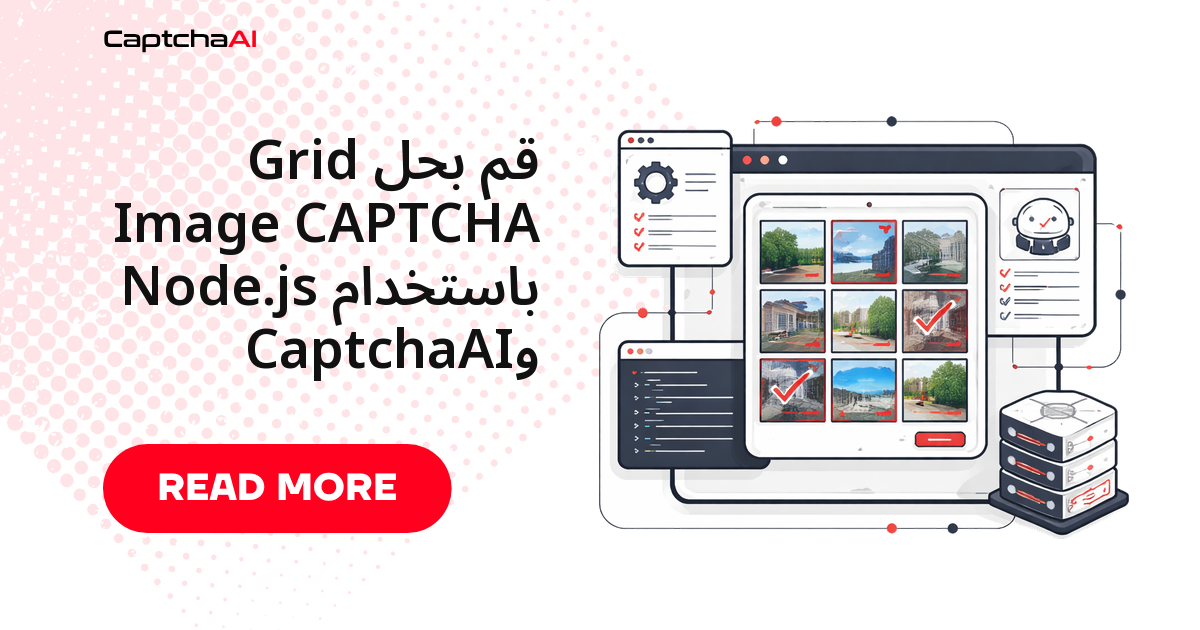
تعرض شبكة الصور صورة واحدة كبيرة مقسّمة إلى خلايا (غالبًا 3×3 أو 4×4)، وتطلب اختيار الخلايا المطابقة لوصف معيّن. كثير من المواقع تعتمد شبكات مستقلة لا علاقة لها بنظام Google، ولهذه الحالة تحديدًا نستخدم وضع تحليل الصورة في CaptchaAI الذي يحلّل الصورة ككل بصرف النظر عن أبعاد الشبكة.
باختصار، سير العمل الذي سنبنيه هنا:
- التقاط صورة الشبكة من المتصفح (لقطة شاشة أو
base64). - إرسالها إلى
in.phpوالحصول على معرّف المهمة. - استطلاع
res.phpدوريًا حتى تجهز النتيجة. - تنفيذ النقرات المطلوبة ثم تأكيد الحل.
ما المقصود بكابتشا صور الشبكة، ومتى تحتاج حلها آليًا؟
شبكة الصور المستقلة تُقدَّم كصورة ثابتة واحدة، بينما تعتمد شبكات reCAPTCHA على بلاطات ديناميكية قد تتبدّل بعد كل نقرة. القاعدة العملية بسيطة: إذا كنت تتعامل مع reCAPTCHA قياسي، فالأفضل استخدام مسار الرمز (method=userrecaptcha) لأنه أبسط وأكثر ثباتًا؛ أما إذا كانت الشبكة صورة ثابتة يبنيها الموقع بنفسه، فمسار تحليل الصورة الموضّح في هذا الدليل هو الخيار المناسب. الطريقة نفسها تتعامل مع تخطيطات 3×3 و4×4 والأبعاد غير القياسية دون تغيير في الكود.
تخيّل فريق ضبط جودة يختبر بوابة توظيف إقليمية تخدم مستخدمين في مصر والخليج، وتحمي نموذج البحث فيها بشبكة صور مخصّصة من نوع 4×4 بدلًا من reCAPTCHA. عند تشغيل اختبارات الانحدار (regression) بشكل يومي، يحتاج الفريق إلى حلّ هذه الشبكة بشكل موثوق حتى تكمل السيناريوهات مسارها إلى نهايته. دمج CaptchaAI في هذه الحالة يحوّل خطوة كانت تتطلب تدخلًا يدويًا إلى جزء آلي مستقر ضمن خط الاختبار، وهذا هو جوهر الأتمتة المعتمدة لأغراض اختبار الجودة.
المتطلبات
| البند | القيمة |
|---|---|
| مفتاح CaptchaAI API | من captchaai.com |
| صورة الشبكة | لقطة شاشة أو base64 للشبكة كاملة |
| اللغة | Python 3.7+ أو Node.js 14+ |
الخطوة 1: التقاط صورة الشبكة كاملة
جودة الحل تبدأ من جودة اللقطة. الهدف هو الحصول على صورة واضحة للشبكة بأكملها دون قص أي خلية. أمامك طريقتان شائعتان.
الطريقة أ: لقطة شاشة لعنصر captcha
حدّد الحاوية التي تضم الشبكة والتقط لقطة لها فقط، لتتجنّب ضجيج بقية الصفحة:
from selenium import webdriver
from selenium.webdriver.common.by import By

driver = webdriver.Chrome()
driver.get("https://example.com/protected-form")

# Screenshot just the captcha container
captcha_element = driver.find_element(By.CSS_SELECTOR, "#captcha-container")
captcha_element.screenshot("captcha_grid.png")
الطريقة ب: استخراج الصورة من سمة src
إذا كانت الشبكة صورة مباشرة، فاستخرجها من سمة src. قد تكون مضمّنة كـ base64 أو مرتبطة برابط خارجي:
import base64
import requests

captcha_img = driver.find_element(By.CSS_SELECTOR, ".grid-captcha img")
src = captcha_img.get_attribute("src")

if src.startswith("data:image"):
    image_b64 = src.split(",")[1]
else:
    image_data = requests.get(src).content
    image_b64 = base64.b64encode(image_data).decode()
الخطوة 2: إرسال الصورة إلى CaptchaAI
بعد الحصول على الصورة، أرسلها إلى نقطة النهاية in.php. لاحظ المعاملين المهمين: method=post لتفعيل وضع الصور، وrecaptcha=1 للإشارة إلى أنها شبكة اختيار خلايا. الاستجابة تُعيد معرّف مهمة تستخدمه في خطوة الاستطلاع.
إرسال عبر رفع الملف (Python)
import requests
import time

API_KEY = "YOUR_API_KEY"

with open("captcha_grid.png", "rb") as f:
    response = requests.post("https://ocr.captchaai.com/in.php",
        data={
            "key": API_KEY,
            "method": "post",
            "recaptcha": 1,
            "json": 1
        },
        files={"file": f}
    )

data = response.json()
task_id = data["request"]
print(f"Task: {task_id}")
إرسال عبر base64 (Python)
عندما تكون الصورة بصيغة base64 أصلًا، مرّرها في الحقل body مباشرة دون كتابتها على القرص:
response = requests.post("https://ocr.captchaai.com/in.php", data={
    "key": API_KEY,
    "method": "post",
    "body": image_b64,
    "recaptcha": 1,
    "json": 1
})

task_id = response.json()["request"]
الإرسال عبر Node.js
نفس المنطق في بيئة Node.js باستخدام Axios، مع تمرير المعاملات ضمن params:
const axios = require('axios');
const fs = require('fs');

async function submitGridCaptcha(imagePath) {
  const imageB64 = fs.readFileSync(imagePath).toString('base64');

  const { data } = await axios.post('https://ocr.captchaai.com/in.php', null, {
    params: {
      key: 'YOUR_API_KEY',
      method: 'post',
      body: imageB64,
      recaptcha: 1,
      json: 1
    }
  });

  return data.request;
}
الخطوة 3: استطلاع النتيجة دوريًا
الحل غير فوري، لذا استعلم عن res.php على فترات قصيرة حتى تصبح الحالة جاهزة. تفصل الدالة التالية بين ثلاث حالات: النتيجة جاهزة، أو ما زالت قيد المعالجة (CAPCHA_NOT_READY)، أو ظهر خطأ يجب رفعه. مهلة معقولة مثل 30 محاولة كل 5 ثوانٍ تغطي معظم الحالات:
def get_grid_solution(task_id):
    for _ in range(30):
        time.sleep(5)
        result = requests.get("https://ocr.captchaai.com/res.php", params={
            "key": API_KEY,
            "action": "get",
            "id": task_id,
            "json": 1
        }).json()

        if result.get("status") == 1:
            return result["request"]
        if result.get("request") != "CAPCHA_NOT_READY":
            raise Exception(f"Error: {result['request']}")

    raise Exception("Timeout")

solution = get_grid_solution(task_id)
print(f"Solution: {solution}")
# Returns click coordinates or cell indices
الخطوة 4: تطبيق الحل على عناصر الصفحة
تعيد الخدمة الحل بأحد شكلين: فهارس خلايا (مثل 2,5,6) أو إحداثيات نقر. اقرأ الشكل الذي وصلك وطبّقه على الصفحة وفقًا لذلك.
النقر حسب فهرس الخلية
عندما تصل فهارس، اضغط على الخلايا المقابلة بالترتيب ثم أكّد:
# If solution returns cell indices (e.g., "2,5,6")
selected = [int(i) for i in solution.split(",")]
cells = driver.find_elements(By.CSS_SELECTOR, ".grid-cell")

for idx in selected:
    cells[idx - 1].click()
    time.sleep(0.2)

driver.find_element(By.CSS_SELECTOR, ".verify-button").click()
النقر حسب الإحداثيات
إذا وصلت الإحداثيات، استخدم ActionChains للنقر على مواضع بعينها داخل حاوية الشبكة:
from selenium.webdriver.common.action_chains import ActionChains

# If solution returns coordinates (e.g., "x=120,y=80;x=250,y=200")
captcha_element = driver.find_element(By.CSS_SELECTOR, "#captcha-container")
actions = ActionChains(driver)

for coord in solution.split(";"):
    parts = dict(p.split("=") for p in coord.split(","))
    x, y = int(parts["x"]), int(parts["y"])
    actions.move_to_element_with_offset(captcha_element, x, y).click()

actions.perform()
معالجة الأخطاء الشائعة
معظم الإخفاقات مصدرها الصورة نفسها: امتداد غير صالح، دقة منخفضة، أو حجم زائد. الجدول التالي يلخّص الأسباب المتكررة وطريقة التصحيح السريع:
| الخطأ | السبب | الإصلاح |
|---|---|---|
ERROR_WRONG_FILE_EXTENSION |
تنسيق صورة غير صالح | استخدم PNG أو JPEG، وتحقّق من صحة سلسلة base64 |
ERROR_CAPTCHA_UNSOLVABLE |
الصورة صغيرة جدًا أو غير واضحة | التقطها بالدقة الكاملة دون تكبير أو ضغط |
| تحديد خلايا خاطئة | عدم تطابق تنسيق الحل | تأكّد هل الحل فهارس أم إحداثيات وطبّقه وفق ذلك |
ERROR_TOO_BIG_CAPTCHA_FILESIZE |
الصورة تتجاوز الحد المسموح | صغّر الحجم إلى أقل من 600 كيلوبايت |
مثال كامل قابل للتشغيل
تريد مشروعًا جاهزًا يجمع إعداد البيئة والاستطلاع وإعادة المحاولة ومعالجة الأخطاء في مكان واحد؟
راجع المثال الكامل القابل للتشغيل على GitHub →
الأسئلة الشائعة
كيف أعرف هل ستعيد الخدمة فهارس خلايا أم إحداثيات نقر؟
لا تفترض شكلًا واحدًا مسبقًا. اقرأ قيمة request في الاستجابة، فإن احتوت على فواصل بين أرقام صغيرة فهي فهارس خلايا، وإن ظهرت فيها أزواج x= وy= فهي إحداثيات. اكتب الكود ليتعامل مع الحالتين كما في الخطوة الرابعة حتى لا يتعطّل عند تغيّر التنسيق.
كم تبلغ تكلفة حل صور الشبكة، وهل تُحتسب بشكل مختلف؟
تعتمد CaptchaAI نموذج تسعير قائمًا على الخيوط (threads) مع حلول غير محدودة لكل خيط شهريًا، دون رسم لكل عملية حل، ودون سعر مختلف حسب نوع الاختبار؛ فصور الشبكة تُحتسب مثل بقية الأنواع. تبدأ الباقات من باقة BASIC بسعر 15 دولارًا شهريًا مع 5 خيوط، وتزيد سعة المعالجة المتزامنة كلما ارتفعت الباقة.
هل يمكن تشغيل هذه الأتمتة في بيئة headless أو ضمن خط CI؟
نعم. الكود لا يعتمد على واجهة رسومية مرئية؛ شغّل Chrome في وضع headless وأبقِ مفتاح الـ API في متغير بيئة بدلًا من كتابته داخل الملف. هذا يجعل السكربت مناسبًا للتشغيل داخل خطوط CI أو المهام المجدولة على الخوادم دون تدخل يدوي.
كيف أرفع دقة الحل وأتجنب ERROR_CAPTCHA_UNSOLVABLE؟
الدقة مرتبطة مباشرة بوضوح الصورة. التقط الشبكة بدقتها الأصلية، وتجنّب تصغيرها أو ضغطها قبل الإرسال، واحرص على أن تشمل اللقطة كل الخلايا دون قص الحواف. الصور الواضحة عالية الدقة تحقّق أفضل النتائج، ويتراوح متوسط وقت الحل عادةً بين 15 و30 ثانية.